AI Tools

Why a Framer Template Is a Smarter Starting Point Than Vibe Coding

May 27, 2026

3 min read

Templatoria
Templatoria

Vibe coding is everywhere right now, right?

The promises sound great: open an AI tool, describe what you want, and get a working website in minutes. And to be fair, sometimes it works surprisingly well. You can get a rough first version quickly. A landing page appears. Buttons are there. Sections are there. It feels like magic.

But then the real work starts.

Because a rough website is not the same as a polished website.

“Suddenly, that “15-minute website” becomes days of prompts, endless fixes, tons of tokens, and a lot of frustration.”

The first version may look fine at a glance, but once you start using it as a real project, the problems begin to show. The layout breaks on mobile. The spacing feels random. The typography needs work. The animations are not quite right. The structure is hard to edit. Small changes create new issues. You ask AI to fix one thing, and it breaks another.

That is where a good Framer template can be a much safer starting point.
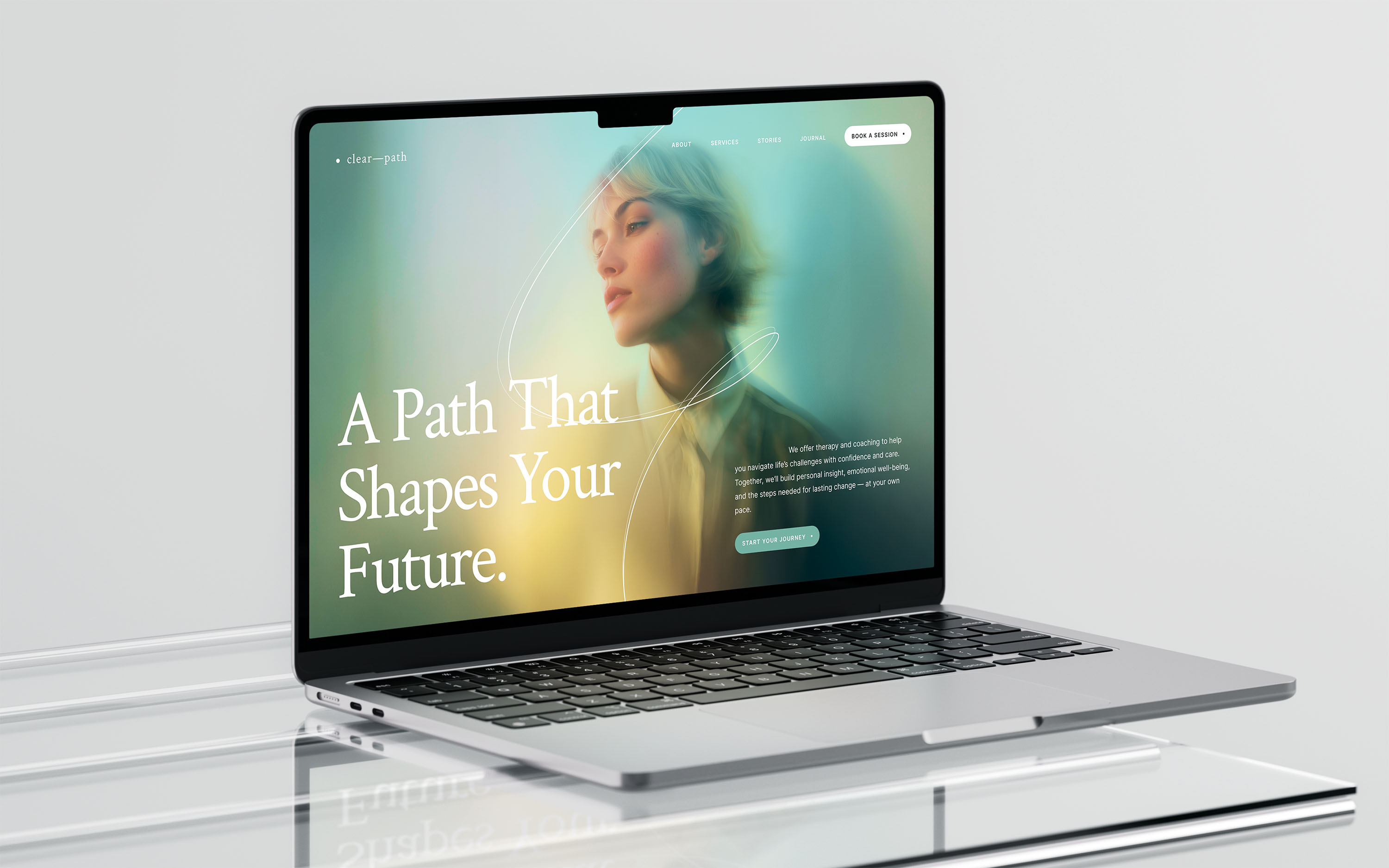
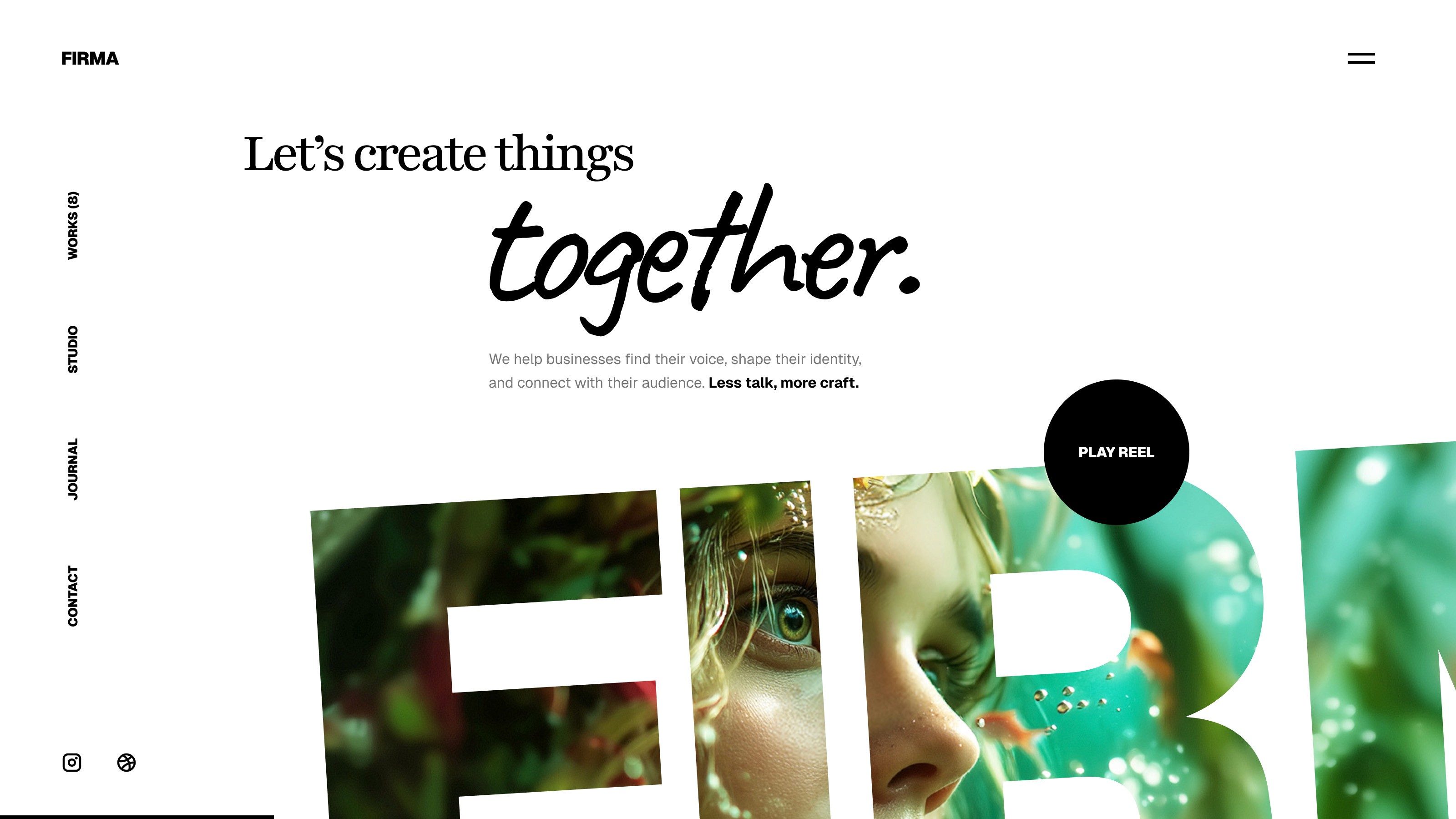
A premium Framer template is not just a quick layout. It gives you a designed system from the beginning: responsive pages, clear structure, polished sections, real content flow, CMS-ready areas, and visual editing inside Framer. Instead of fighting with code, you can focus on adapting the website to your business.

You still get speed, but with much less chaos.

Vibe coding can be great for experiments, prototypes, or small tools. But if you need a real website that looks sharp, works across devices, and is easy to update later, starting from a strong Framer template often makes more sense.
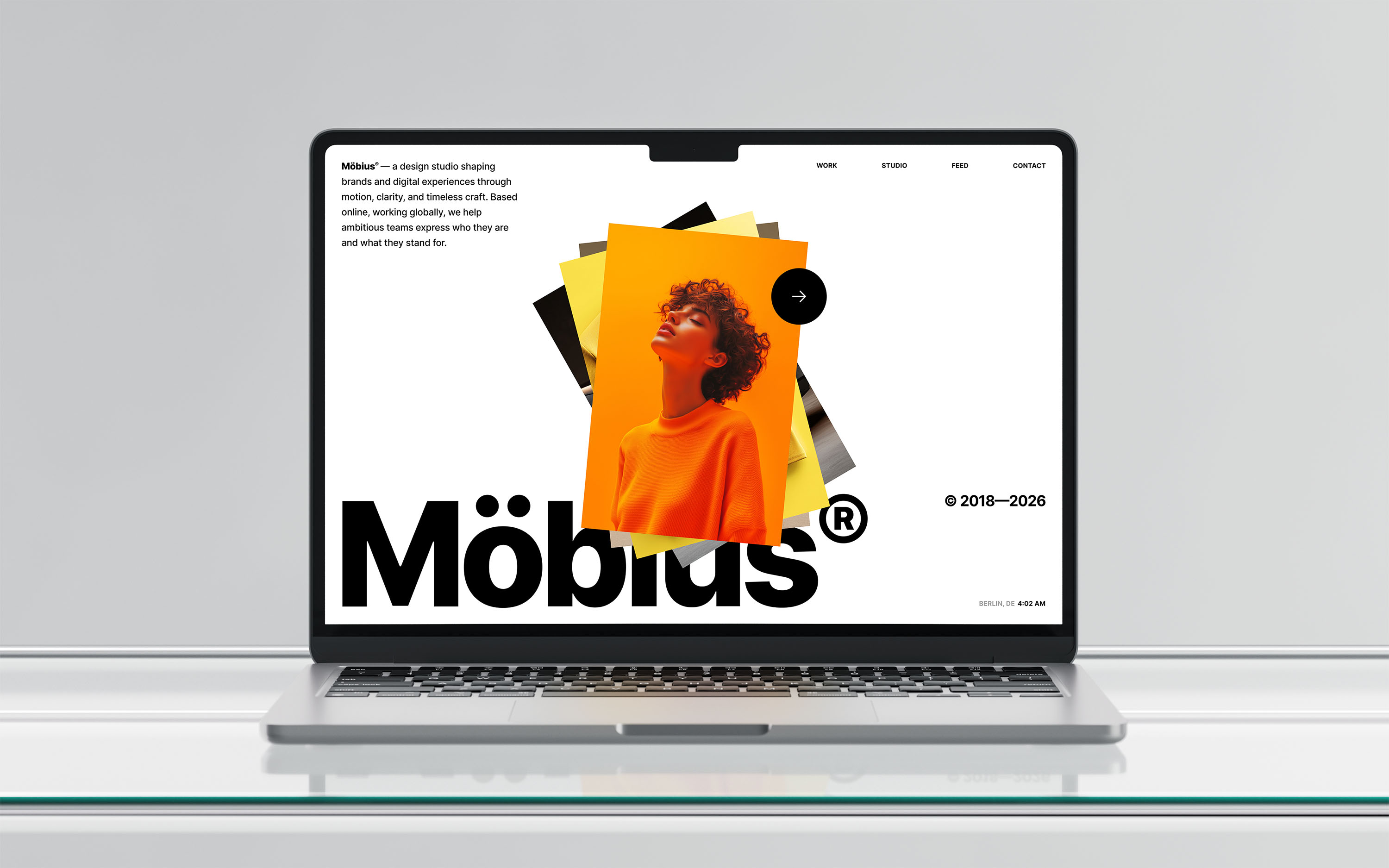
You are not starting from zero. You are starting from something already shaped by design decisions.

That means fewer layout problems, fewer strange fixes, and less time spent trying to turn a rough idea into something presentable. You can change the copy, replace images, adjust colors, edit CMS content, and publish without depending on a long chain of AI-generated code.
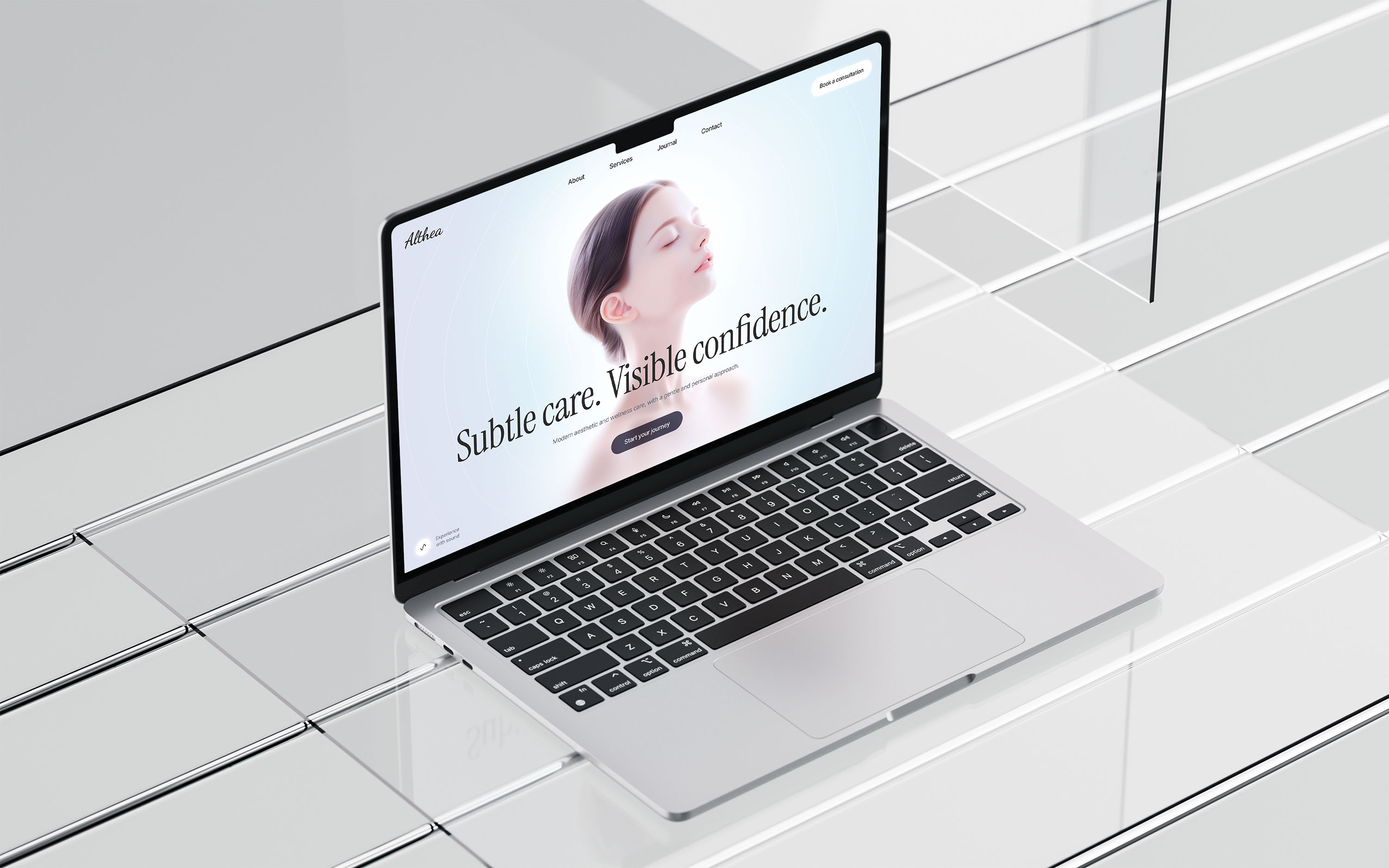
The less risky path is simple:

  • Choose a well-designed Framer template.

  • Customize it visually.

  • Use AI where it actually helps — for writing, content structure, small improvements, or custom code when needed.

That combination can save a lot of time and nerves.

Vibe coding may help you create a quick first draft. A great Framer template helps you launch a polished website.
Frequently Asked Questions

Let’s clear things up!

Everything about licenses, updates, and using your Framer templates.

Do I need design or coding experience to use these Framer templates?

No. Templatoria templates are built for Framer’s visual no-code editor. You can edit text, images, colors, layouts, animations, and CMS content without writing any code. All templates are fully responsive and optimized for desktop, tablet, and mobile devices.

Do I need design or coding experience to use these Framer templates?

No. Templatoria templates are built for Framer’s visual no-code editor. You can edit text, images, colors, layouts, animations, and CMS content without writing any code. All templates are fully responsive and optimized for desktop, tablet, and mobile devices.

What is included with my purchase?

What is included with my purchase?

Your purchase includes access to the selected Framer template or templates, lifetime template updates, and email support. You receive a remix link to duplicate the templates into your Framer account.

How long does it take to launch a website?

How long does it take to launch a website?

Most users can launch a website within a few days by replacing the content, adjusting the design, and publishing through Framer.

Do templates receive updates?

Do templates receive updates?

Yes. Templates are continuously updated to support the latest Framer features and improvements. Once purchased, you have lifetime access to the latest version through your remix link.

Do I need a paid Framer plan?

Do I need a paid Framer plan?

Yes, you need a free Framer account to remix and edit the template. You can customize your site for free. To publish with your own domain or use CMS features, you’ll need a paid Framer plan. You can check Framer pricing here: https://www.framer.com/pricing/

How do I get started after purchasing a template?

How do I get started after purchasing a template?

After purchase, you receive a Framer remix link. Open it, duplicate the template into your Framer account, and start editing immediately inside Framer.

Can I customize colors, fonts, and layouts?

Can I customize colors, fonts, and layouts?

Yes. You can customize colors, fonts, images, layouts, sections, and CMS content directly in Framer’s visual editor.

Are images included with the templates?

Are images included with the templates?

Yes. The images used in Templatoria templates are included and cleared for commercial use. You can keep them as they are or replace them with your own visuals.

Do you offer refunds?

Do you offer refunds?

Because these are digital products, all sales are final. However, if you experience a technical issue or something does not work as expected, I’ll help you resolve it.

Can I use these templates for client or commercial projects?

Can I use these templates for client or commercial projects?

Yes. You can use Templatoria templates for personal, business, and client projects. The Standard license covers one website. The Pro+ license and All Access Bundle both include unlimited website usage.

Didn’t find what you were looking for? Get in touch and let’s sort it out.

Frequently Asked Questions

Let’s clear things up!

Everything about licenses, updates, and using your Framer templates.

Do I need design or coding experience to use these Framer templates?

No. Templatoria templates are built for Framer’s visual no-code editor. You can edit text, images, colors, layouts, animations, and CMS content without writing any code. All templates are fully responsive and optimized for desktop, tablet, and mobile devices.

Do I need design or coding experience to use these Framer templates?

No. Templatoria templates are built for Framer’s visual no-code editor. You can edit text, images, colors, layouts, animations, and CMS content without writing any code. All templates are fully responsive and optimized for desktop, tablet, and mobile devices.

What is included with my purchase?

What is included with my purchase?

Your purchase includes access to the selected Framer template or templates, lifetime template updates, and email support. You receive a remix link to duplicate the templates into your Framer account.

How long does it take to launch a website?

How long does it take to launch a website?

Most users can launch a website within a few days by replacing the content, adjusting the design, and publishing through Framer.

Do templates receive updates?

Do templates receive updates?

Yes. Templates are continuously updated to support the latest Framer features and improvements. Once purchased, you have lifetime access to the latest version through your remix link.

Do I need a paid Framer plan?

Do I need a paid Framer plan?

Yes, you need a free Framer account to remix and edit the template. You can customize your site for free. To publish with your own domain or use CMS features, you’ll need a paid Framer plan. You can check Framer pricing here: https://www.framer.com/pricing/

How do I get started after purchasing a template?

How do I get started after purchasing a template?

After purchase, you receive a Framer remix link. Open it, duplicate the template into your Framer account, and start editing immediately inside Framer.

Can I customize colors, fonts, and layouts?

Can I customize colors, fonts, and layouts?

Yes. You can customize colors, fonts, images, layouts, sections, and CMS content directly in Framer’s visual editor.

Are images included with the templates?

Are images included with the templates?

Yes. The images used in Templatoria templates are included and cleared for commercial use. You can keep them as they are or replace them with your own visuals.

Do you offer refunds?

Do you offer refunds?

Because these are digital products, all sales are final. However, if you experience a technical issue or something does not work as expected, I’ll help you resolve it.

Can I use these templates for client or commercial projects?

Can I use these templates for client or commercial projects?

Yes. You can use Templatoria templates for personal, business, and client projects. The Standard license covers one website. The Pro+ license and All Access Bundle both include unlimited website usage.

Didn’t find what you were looking for? Get in touch and let’s sort it out.

Frequently Asked Questions

Let’s clear things up!

Everything about licenses, updates, and using your Framer templates.

Do I need design or coding experience to use these Framer templates?

No. Templatoria templates are built for Framer’s visual no-code editor. You can edit text, images, colors, layouts, animations, and CMS content without writing any code. All templates are fully responsive and optimized for desktop, tablet, and mobile devices.

Do I need design or coding experience to use these Framer templates?

No. Templatoria templates are built for Framer’s visual no-code editor. You can edit text, images, colors, layouts, animations, and CMS content without writing any code. All templates are fully responsive and optimized for desktop, tablet, and mobile devices.

How do I get started after purchasing a template?

How do I get started after purchasing a template?

After purchase, you receive a Framer remix link. Open it, duplicate the template into your Framer account, and start editing immediately inside Framer.

What is included with my purchase?

What is included with my purchase?

Your purchase includes access to the selected Framer template or templates, lifetime template updates, and email support. You receive a remix link to duplicate the templates into your Framer account.

Can I customize colors, fonts, and layouts?

Can I customize colors, fonts, and layouts?

Yes. You can customize colors, fonts, images, layouts, sections, and CMS content directly in Framer’s visual editor.

How long does it take to launch a website?

How long does it take to launch a website?

Most users can launch a website within a few days by replacing the content, adjusting the design, and publishing through Framer.

Are images included with the templates?

Are images included with the templates?

Yes. The images used in Templatoria templates are included and cleared for commercial use. You can keep them as they are or replace them with your own visuals.

Do templates receive updates?

Do templates receive updates?

Yes. Templates are continuously updated to support the latest Framer features and improvements. Once purchased, you have lifetime access to the latest version through your remix link.

Do you offer refunds?

Do you offer refunds?

Because these are digital products, all sales are final. However, if you experience a technical issue or something does not work as expected, I’ll help you resolve it.

Do I need a paid Framer plan?

Do I need a paid Framer plan?

Yes, you need a free Framer account to remix and edit the template. You can customize your site for free. To publish with your own domain or use CMS features, you’ll need a paid Framer plan. You can check Framer pricing here: https://www.framer.com/pricing/

Can I use these templates for client or commercial projects?

Can I use these templates for client or commercial projects?

Yes. You can use Templatoria templates for personal, business, and client projects. The Standard license covers one website. The Pro+ license and All Access Bundle both include unlimited website usage.

Didn’t find what you were looking for? Get in touch and let’s sort it out.

Framer templates

Framer templates

Framer templates

High-quality

High-quality

High-quality

David

High-quality
Framer
templates